Managing branches#
Codacy automatically triggers analysis on the main branch of your repository (typically master or main as configured on your Git provider), and also supports analyzing multiple branches.
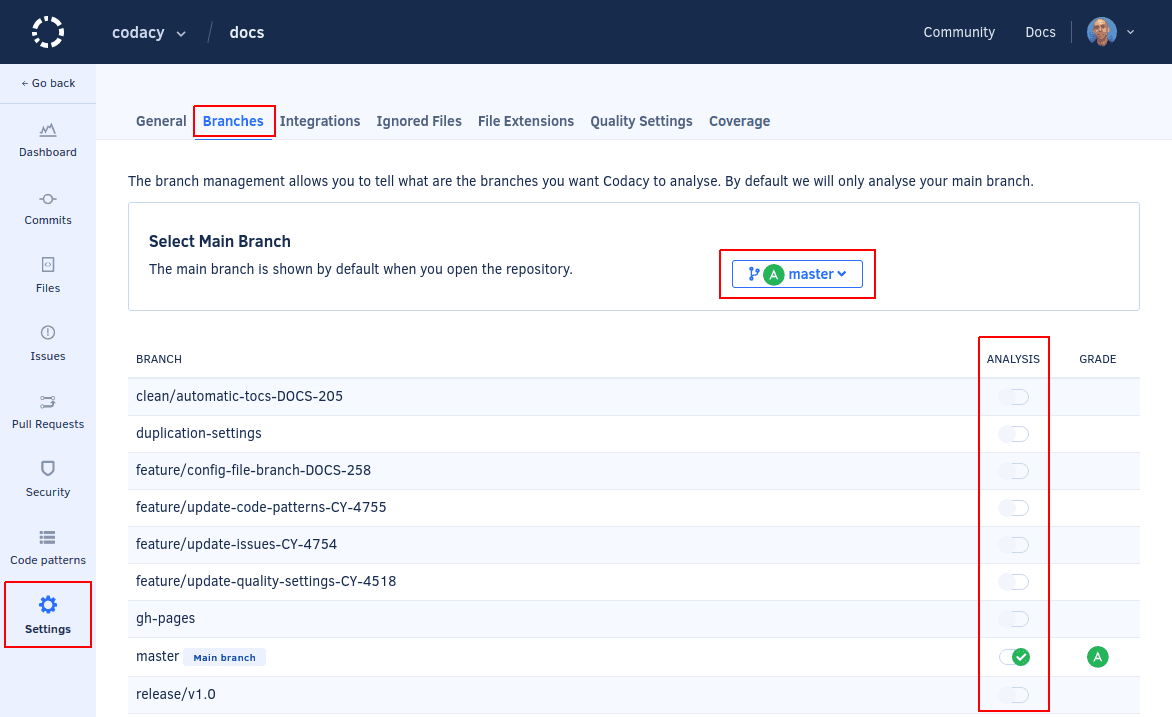
To change the main branch of your repository or enable analysis on other branches, open your repository Settings, tab Branches. Enabling a new branch triggers an initial analysis of that branch and the analysis results and information for that branch will become available after the analysis is complete.
This page also displays the code quality grade for each enabled branch.
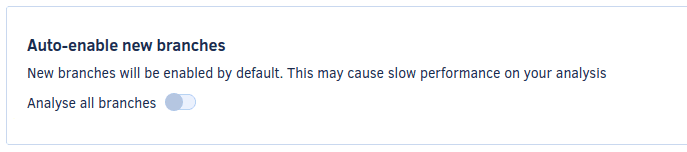
You can also configure Codacy to automatically enable all new branches that are pushed to the repository.
Codacy manages pull request branches and inactive branches as follows:
-
Pull request branches
Codacy automatically analyzes branches corresponding to new pull requests and also enables the target branches if they're disabled.
-
Inactive branches
Codacy automatically disables analysis for branches that don't have any commits for more than 2 weeks, except for the main branch and pull request branches that are analyzed automatically.
Was this page helpful?
Your feedback helps us improve the documentation.
255 characters left
Thanks for helping improve Codacy documentation.
For more detailed feedback, open an issue on GitHub.